
Key Features
Apps are readable documents, not opaque binaries. View source, inspect handlers, understand before you run.
Explicit Policy
Permissions declared in metadata, visible before execution. No hidden capabilities.
Run from URL
Share apps via URL. Remote apps require policy and user approval.
Flexbox Layout
Modern layout with flex, gap, padding. CSS-like styling with 16 million colors.
Rich Components
Tables, dialogs, forms, canvas graphics, video playback, OAuth flows.
Dev Tools
Press F12 to inspect source, policy, and system info at runtime.
No Build Step
Write markup, run immediately. No compilation, no bundling, no waiting.
Markdown Rendering
Full markdown support with headers, lists, tables, code blocks, and syntax highlighting.
Mermaid Diagrams
Flowcharts, sequence diagrams, and class diagrams rendered as interactive elements. Run .mmd files directly.
Rich Graphics
Canvas API, WebGL shaders, video playback. Sixel and Kitty protocols for true pixel rendering.
Installation
Requires Deno 2.5+. Node.js and Bun are not supported.
Option A: Install from JSR
deno install -g -A jsr:@melker/melker
melker examples
-A grants permissions to the launcher — your apps run sandboxed with only the permissions they declare.
Upgrade anytime with melker upgrade.
Option B: Clone from Git
Clone the repository
git clone https://github.com/wistrand/melker.git
cd melker
Run an example
./melker.ts examples/basics/hello.melker
Optional: Install globally
Create a symlink to run from anywhere.
ln -s $(pwd)/melker.ts ~/.local/bin/melker
Examples
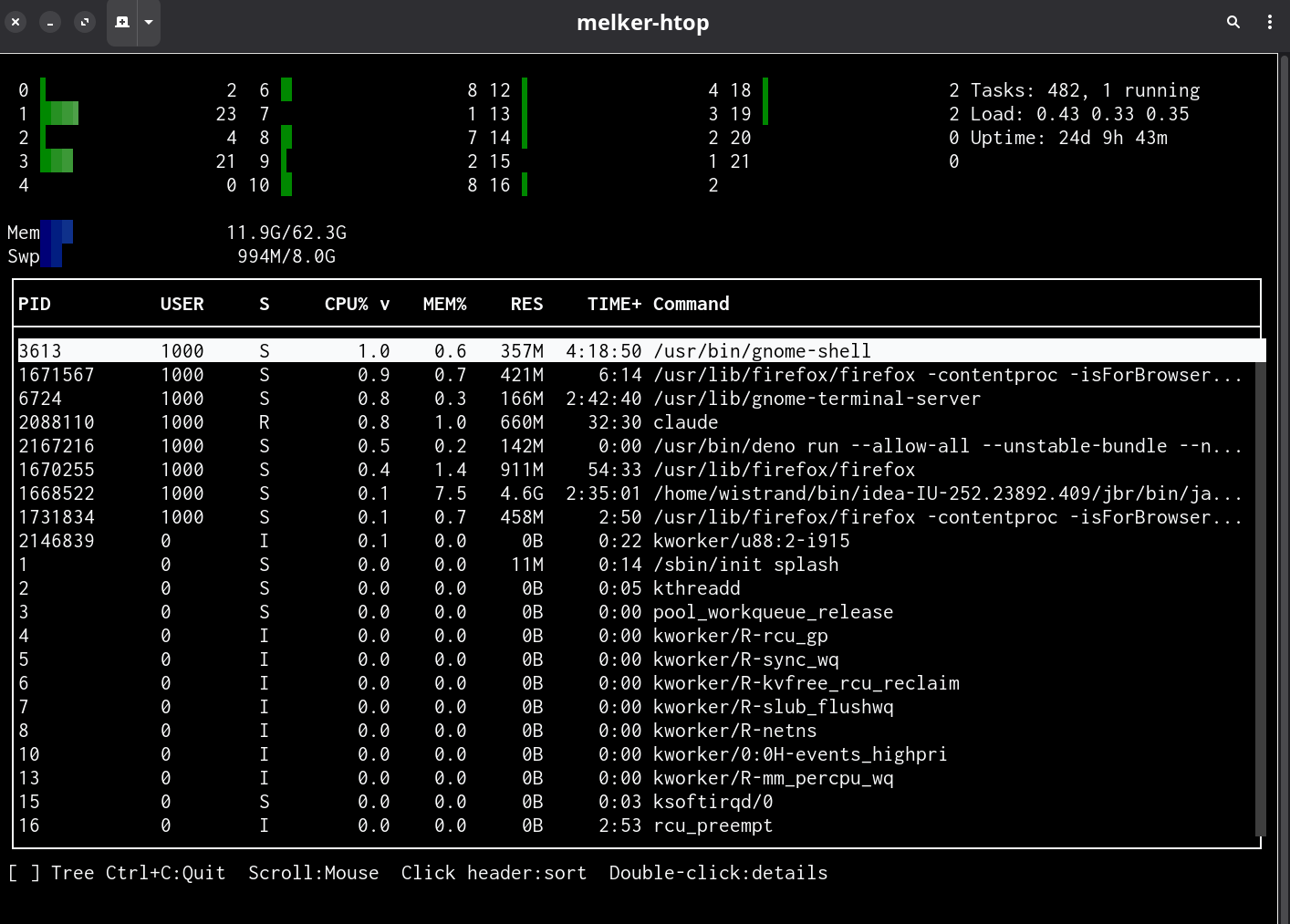
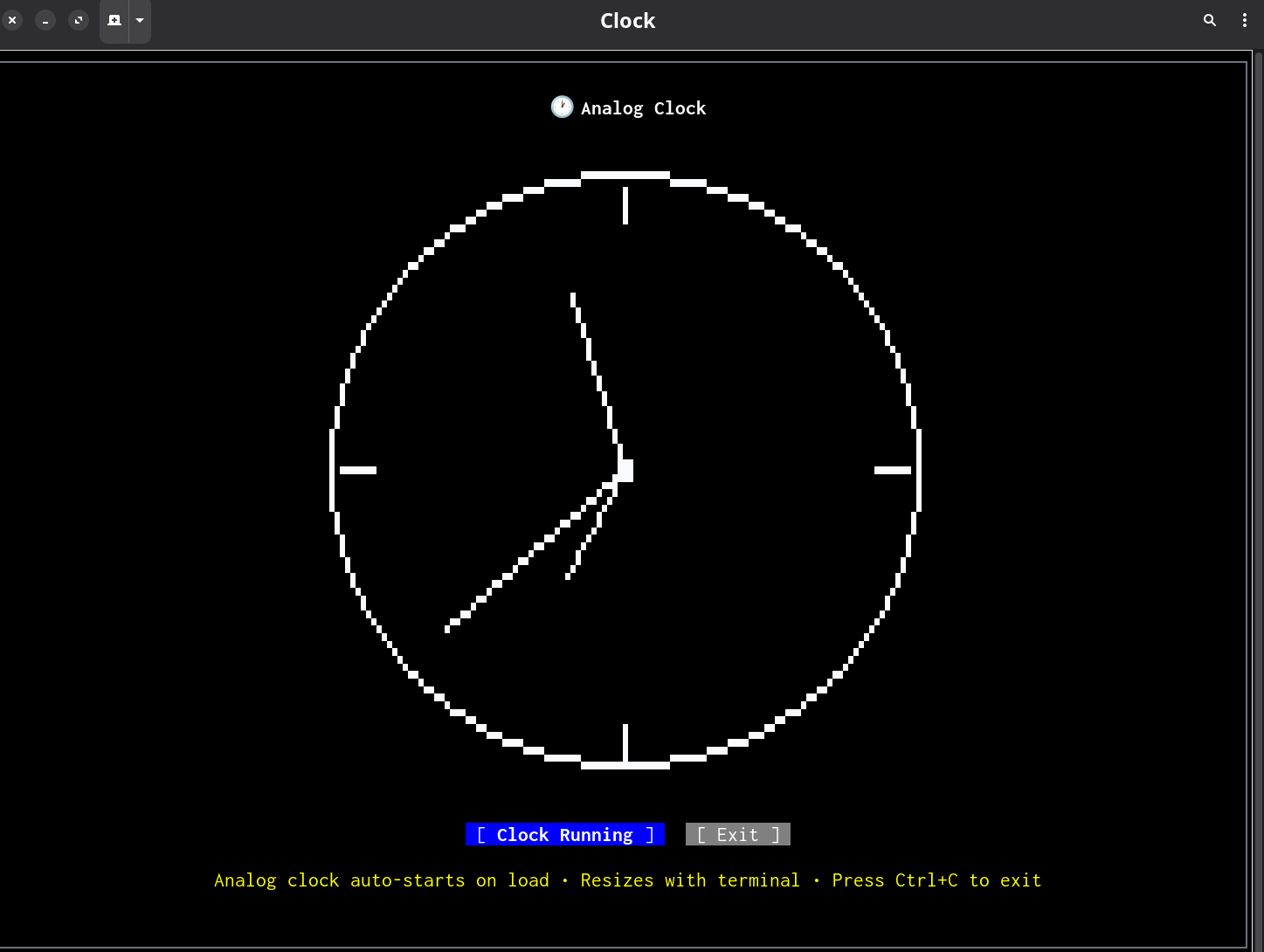
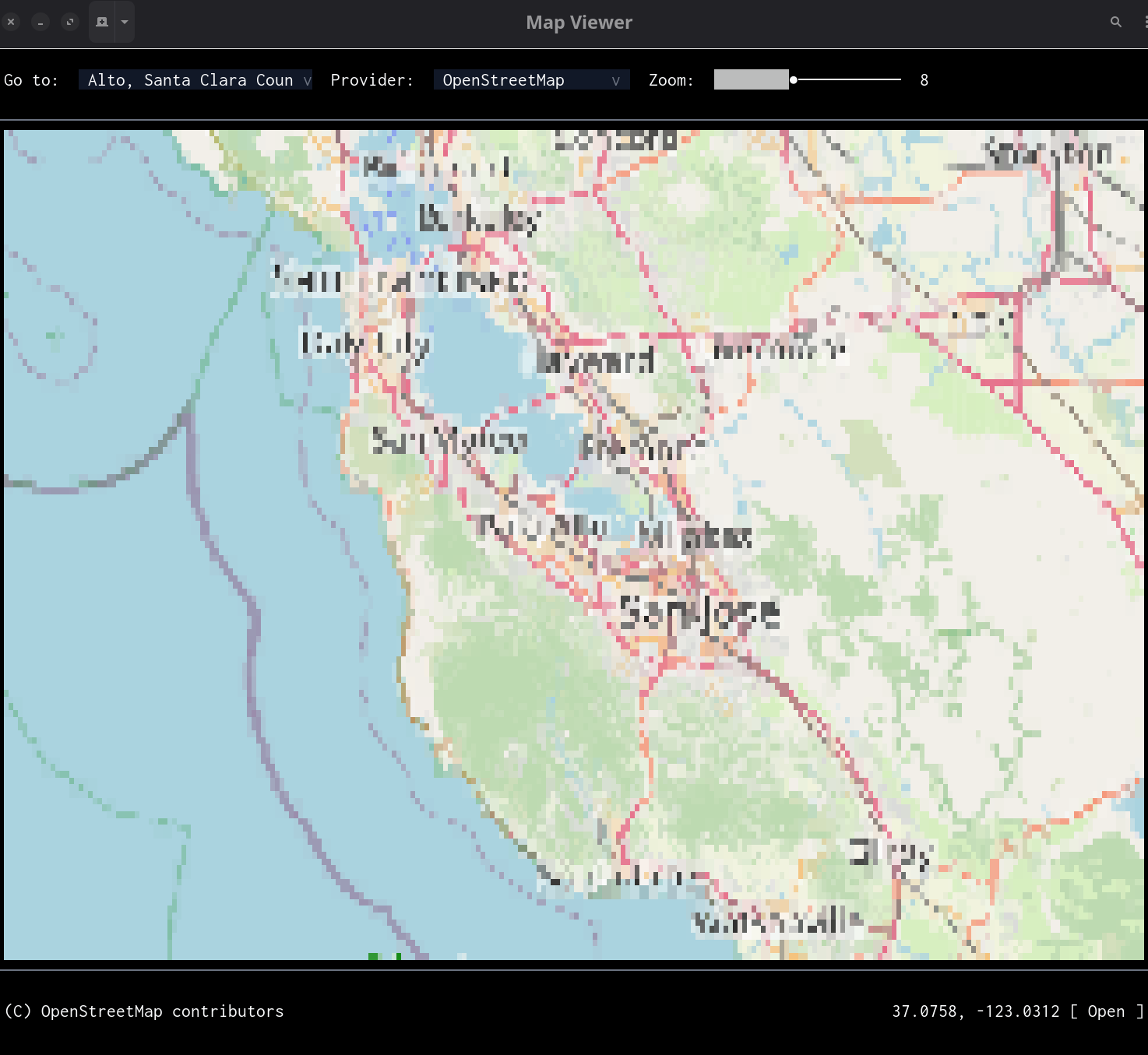
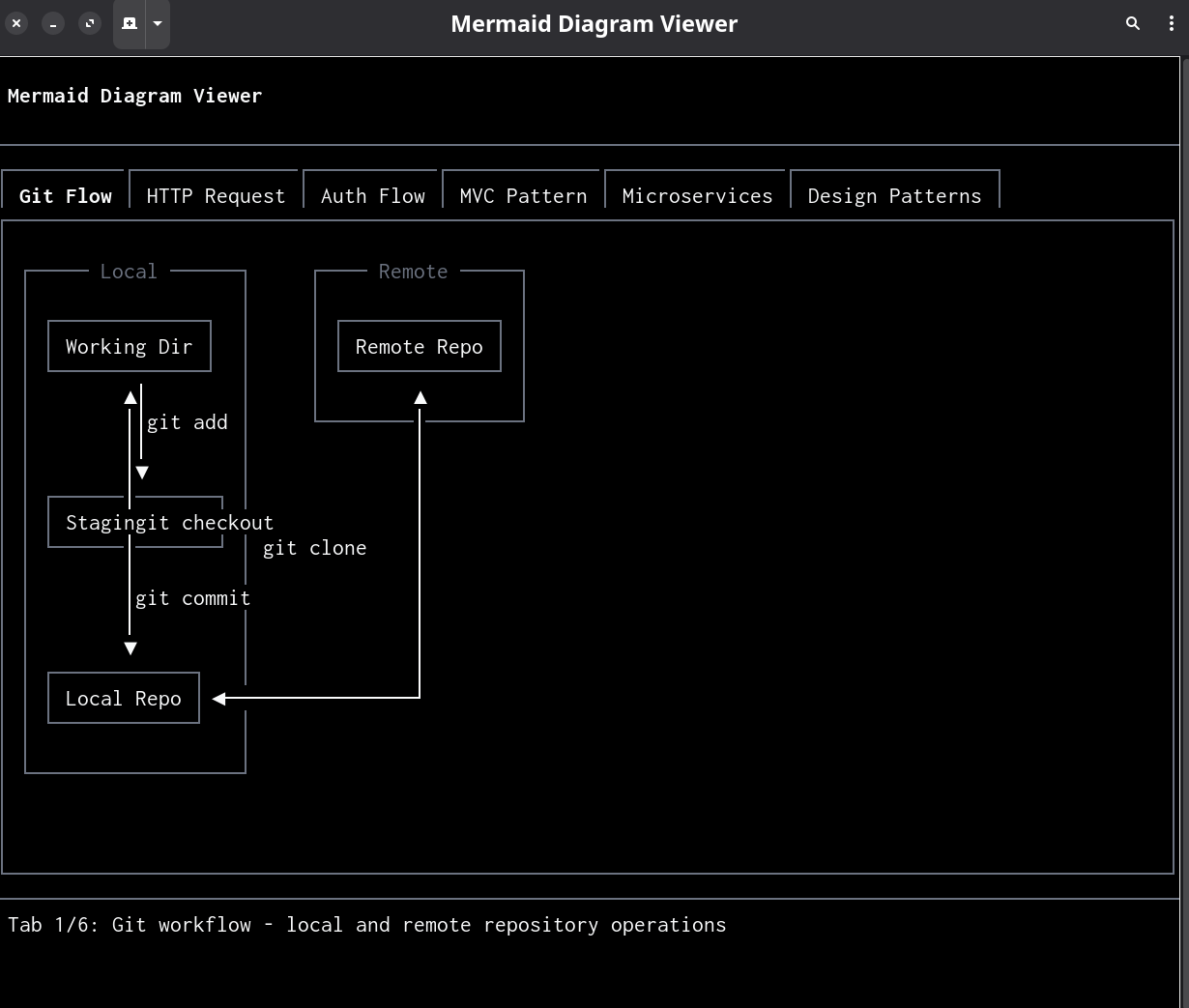
Quick Start
Create a hello.melker file:
<melker>
  <policy>
  {
    "name": "Hello App",
    "permissions": {}
  }
  </policy>

  <container style="border: thin; padding: 1;">
    <text style="font-weight: bold;">Hello, Terminal!</text>
    <button label="Exit" onClick="$melker.exit()" />
  </container>
</melker>
Run it:
./melker.ts hello.melker
Releases
Melker uses CalVer (YYYY.MM.PATCH). Releases are git tags.
# List available releases
git tag --list 'v*' | sort -V

# Checkout a specific release
git checkout v2026.03.1